
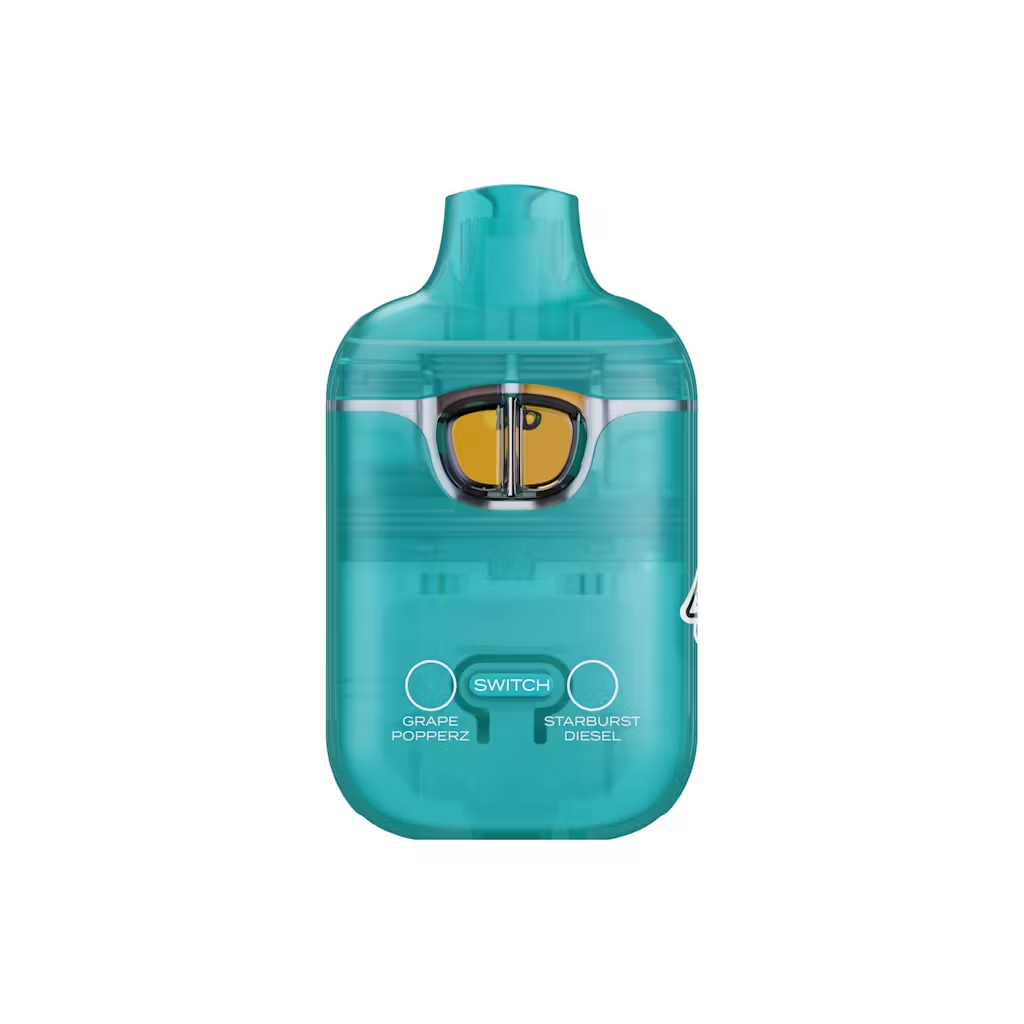
Starburst Diesel x Grape Popperz
Original price was: $20.00.$15.00Current price is: $15.00.
Description
Description
What Are Boutiq Switch Blinkers? Puff Limit, Light Codes & Blinker Counter Explained in 2026
On a Boutiq Switch, a blinker is the flashing light (and/or on‑screen alert) that kicks in when you hit the device for its maximum puff length—typically around 8–10 seconds—or when it needs to tell you something like low battery or a coil/battery issue. “Hitting a blinker” means dragging until the device auto‑cuts the hit and starts blinking, and many Switch V4/V5 devices now include a blinker counter that tracks how many of those max‑length hits you’ve taken.
What you need to know first
The phrase “Boutiq Switch blinkers” covers two connected ideas:
-
The blinking LED or screen alert on the device, which signals things like puff limit, low battery, or safety shutoff.
-
The slang “hitting a blinker”, meaning taking a hit until the device times out (usually at 8–10 seconds) and flashes.
Boutiq’s own blinker guide explains that on their devices, a blinker typically appears after a long puff—around 8–10 seconds—as a built‑in safety mechanism to prevent overheating and burnt coils. On the Switch V4 and some V5 units, the screen also includes a dedicated blinker counter, letting users track how many full‑length hits they’ve taken.
Quick answer overview
-
A blinker on a Boutiq Switch is the blinking light/screen that appears when you’ve hit the puff duration limit (about 8–10 seconds).
-
“Hitting a blinker” means inhaling continuously until the device auto‑stops the hit and blinks—a max‑length pull.
-
Blinkers can also signal low battery, short circuit, connection issues, or low oil, depending on color and blink pattern.
-
Newer Boutiq Switch models (like V4) include a blinker counter on the digital display to track how many of those full‑length hits you’ve taken.
-
Some V5 devices even have “Blinker Berry” themed strains and Infinity‑mode “triple blinkers” aimed at experienced users chasing big hits.
What is a “blinker” on a Boutiq Switch?
Boutiq’s official blinker article defines it this way:
-
“A blinker on a Boutiq switch is essentially a signal from the device that communicates a specific message—most commonly related to puff duration, battery life, or system safety.”
-
“For most users, the Boutiq switch blinker shows up after a long puff—usually around 8–10 seconds. This is the device’s way of preventing overheating and protecting both the battery and coil from damage.”
General vape education mirrors this:
-
A blinker is “the blinking light on a vape pen that turns on when you’ve taken a puff for the maximum amount of time the device allows (usually 8–10 seconds).”
So on Boutiq Switch, blinkers are both:
-
A time‑out indicator for long hits, and
-
A status/diagnostic signal for things like low battery or errors.
What does “hitting a blinker” actually mean?
Boutiq’s guide explains:
-
“Typically, a blinker hit occurs when you continuously draw from the device until it automatically stops you—usually at around 8 to 10 seconds. This feature is built into the device as a safety and control mechanism.”
A broader vape explainer puts it similarly:
-
“The term ‘hitting a blinker’ refers to inhaling from a vape pen continuously until the device’s built‑in puff timer reaches its limit… then the pen stops producing vapor and starts blinking.”
On a Boutiq Switch, that usually means:
-
You inhale until the LED or display starts flashing,
-
The device cuts vapor output, and
-
That full‑length pull is counted as one blinker on models with a blinker counter.
A Boutiq Switch blinker hit = one max‑length, timed‑out pull that makes the device flash to tell you it stopped the hit.
What is the Boutiq Switch blinker counter?
Newer Switch generations, especially V4, add a digital blinker counter to the screen:
-
Weedmaps describes the V4: “The latest iteration… elevates the user experience with the addition of a digital display, offering instant insights into battery life and a unique blinker counter for tracking usage.”
A V4 review reads the instructions aloud:
-
“New blinker counter… blinker counter in single‑strain mode is one point, and if you do a double blinker it’s two points…”
A Reddit thread documents people competing on “Boutiq Switch blinker counter lowest score to finish disposable,” with one user reporting a full Switch finished in 44 blinkers.
Boutiq’s own article adds:
-
“This built‑in counter keeps track of how many blinker hits you’ve taken. The counter helps you:
-
Monitor your usage
-
Avoid overuse
-
Manage battery performance”
-
So the blinker counter:
-
Increments when you hit the puff‑limit and make it blink,
-
Lets you track how many max‑length hits you’ve taken,
-
Has become a kind of “score” for heavy users trying to finish a device in as few blinkers as possible.
Other reasons your Boutiq Switch might be blinking
Boutiq’s guide lists several non‑puff‑limit reasons you might see blinking:
-
Low battery warning – Repeated blinking (often red) means it’s time to recharge.
-
Overuse protection – Blinker activates after you’ve reached max puff duration to prevent damage.
-
Connection issue – If the cartridge or internal contacts aren’t right, the device may blink to show a connection error.
-
Low e‑liquid levels – A blinking light can indicate it’s time to replace/retire the disposable.
-
Short circuit alert – Rapid blinking can signal a malfunctioning coil or battery.
That matches general vape behavior, where blinkers can also flag overheating or bad connections.
Boutiq’s advice for persistent blinking:
-
Check cartridge/device connection (on compatible models).
-
Charge the battery fully.
-
Avoid over‑inhaling (try shorter puffs).
-
Reset the device if your model supports it.
If blinking continues after those steps, it often means the disposable is finished or defective.
Example: Blinker‑themed flavors and triple blinkers
Blinkers are such a big part of Switch culture that Boutiq has leaned into it with naming and content:
-
A V4 strain pairing: Purple Haze x Blinker Berry, marketed as “Purple Haze x Blinker Berry Vape” with the new digital screen and blinker counter.
-
A V5 3‑in‑1: Blinker Berry x Pluto x Blue Mango (indica), with instructions including:
-
Single strain mode: click once
-
Dual strain mode: click twice
-
Triple strain mode: click 3 times
-
Infinity Mode: click 5 times to enable for one hit (use with caution!)—classic “triple blinker” content.
-
-
TikTok creators and posts reference “triple blinkers” and V5 Blinkers as a challenge hit.
These are aimed squarely at high‑tolerance users who understand what a blinker means and want to push the device’s limits.
FAQ: Boutiq Switch blinkers
What is a blinker on a Boutiq Switch?
A blinker is the blinking light or on‑screen alert that appears when you take a long hit (around 8–10 seconds) and the device auto‑cuts off, or when it needs to warn you about things like low battery or a fault. On V4/V5, there’s often a counter tracking how many full‑length blinker hits you’ve taken.
How long does it take to hit a blinker on a Boutiq Switch?
Boutiq’s guide says a blinker hit happens when you continuously draw until the device stops you, typically around 8–10 seconds. General vape sources confirm that most pens are programmed with a cutoff between 8–10 seconds, after which they blink and stop vapor.
What does the Boutiq Switch blinker counter do?
The blinker counter logs how many max‑length, blink‑triggering hits you’ve taken on the device. It helps you monitor usage, avoid overdoing it, and has become a “scoreboard” for some users trying to finish a disposable in a certain number of blinkers.
Are blinkers bad for your Boutiq Switch?
Occasional blinkers are expected, but chain‑hitting blinkers can stress the coil and drain the battery faster. Boutiq suggests using shorter, moderate puffs, avoiding constant over‑inhaling, and giving the device short breaks between hits to preserve performance.
Delivery Info
- Standard and Express delivery services are available for all items.
- Shipping costs are calculated at the checkout page (after delivery option & destination confirmation).
- Tracking is available for all delivery options.
- Items are delivered during standard business hours.
Reviews (0)
Related products
-
-
-
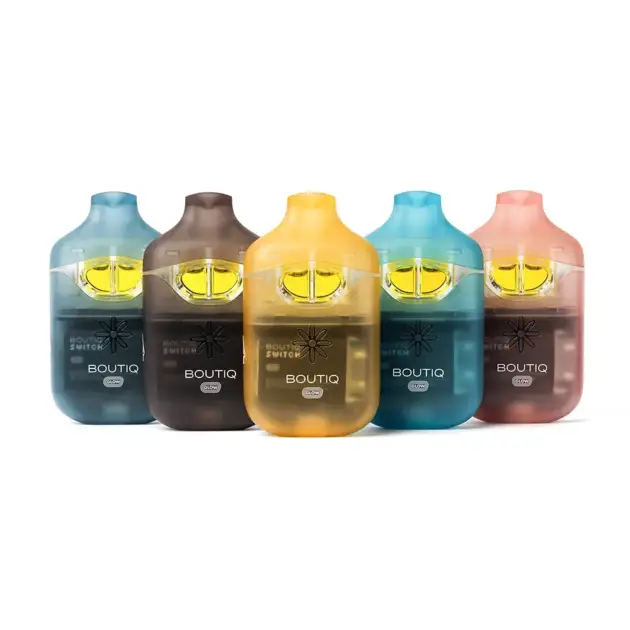 Price range: $160.00 through $1,500.00 Buy now This product has multiple variants. The options may be chosen on the product page

Reviews
There are no reviews yet.